Using screen sharing technology, along with a phone call, We will remotely share screens in order to instruct, answer questions and address any problems.
No Need To Leave Home!!
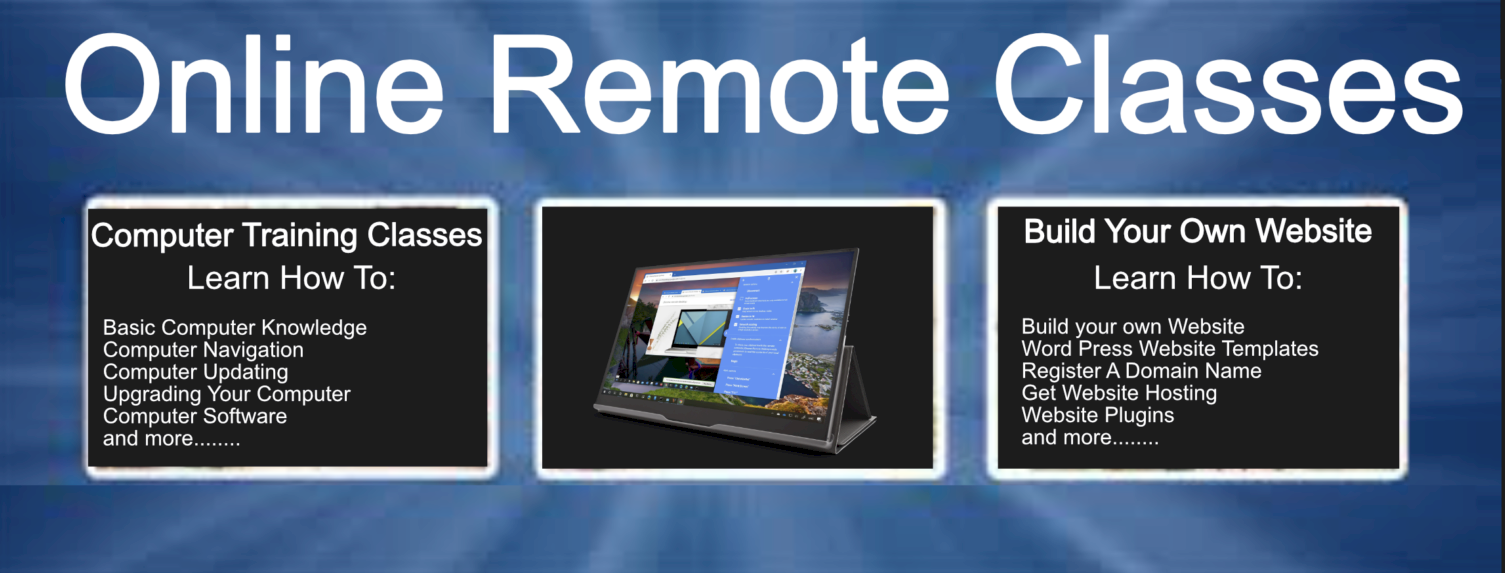
“All Remote Classes Require that you have Internet Connection!”
These online services and classes are currently for PC Laptops and Computers only!
Remote Computer Training Classes

Requirements for this class are a working PC desktop or PC laptop
- You will learn the different types and parts of a computer.
- Identification of computer hardware components and their functions.
- Software Installation as well as how to uninstall software.
- Analyzing software programs, their functions, processes and their relationship with the hardware components and more….
At completion of training you will feel very comfortable and knowledgeable about all the functions of your computer and it’s software programs.
Cost $350.00
Remote Build Your Own Website Class

Requirement for this class is a registered domain name & web hosting plan.
- You will learn about the different types of wordpress themes
- Installing a new wordpress theme
- WordPress Plugins and updating plugins
- Adding Pages
- Accessing and using wordpress dashboard & customization features to assist you in designing and editing your website and much more…..
At completion of training you will have a complete functioning website and 100% ownership of the website
Cost $599.00
Remote Computer Repair Class
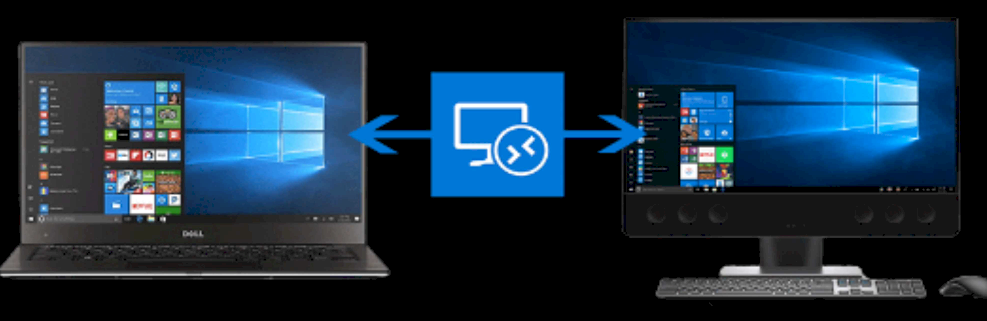
Requirements for this class are a working PC desktop or PC laptop.
You will learn how to repair just some of the following issues :
- Rebooting, Crashing, Freezing or Slow Computers
- Windows Blue Screens of Death and Lock Ups
- Browser Hijacks, Phishing Scams, Key Loggers and Pop Up Adverts
- Online Virus Removal: Viruses, Trojans, Backdoor Infections
- Spyware, Adware, Malware and Rootkit Infections
- Slow Computer, Sluggish Performance or Boot Up Times
- Windows Optimization, Windows Errors or Computer Tune Up
- Printer Installation and Troubleshooting Printer Problems
- Driver and Software Updates/Patches
- Removal of Unused Software/Files
- Virus and Antispyware Software Installation
- Setting up and Securing your Wireless Network
- Backing up your Computer for Disaster Recovery
- Software Installations
- Email and Web/Internet Problems
At completion of training you will feel very comfortable and knowledgeable about making all your necessary computer issues and you’ll save lots of money by making all your repairs yourself!
Cost $250
Everything needed to bring your website online.
Fast and Affordable Website Hosting
$3.49/mo UP TO 70% OFF
Web hosting you can rely on, backed by our 99.99% uptime guarantee & 24/7 in-house support. Now is the time to get your website online & loading at blazing fast speeds, with no hidden fees.
Offering some of the most affordable hosting services out there, but no costs were cut to provide our services. Ultra powerful AMD processor servers equipped with Pure NVMe SSD Drives & LiteSpeed, significantly increase your website performance. We also provide more CPU power and specs than the competition!
Everything is actually included in the cost so the customers you refer will not receive any extra fees at checkout. All of our web hosting plans include the popular and familiar control panel cPanel, Free SSL Certificates, Malware & DDoS Protection, Daily Backups and a Free Domain (when bought yearly and above).